
Artificial Intelligence is changing the digital art industry faster than ever before. From generating concept art to improving photo edits and speeding up workflows, AI tools are helping artists save time, boost creativity, and produce professional-quality work without spending a fortune. The best part? Many powerful AI tools are completely free to use.
Whether you are a beginner exploring digital illustration or a professional designer looking to improve productivity, AI-powered tools can help you work smarter and create stunning visuals in less time.
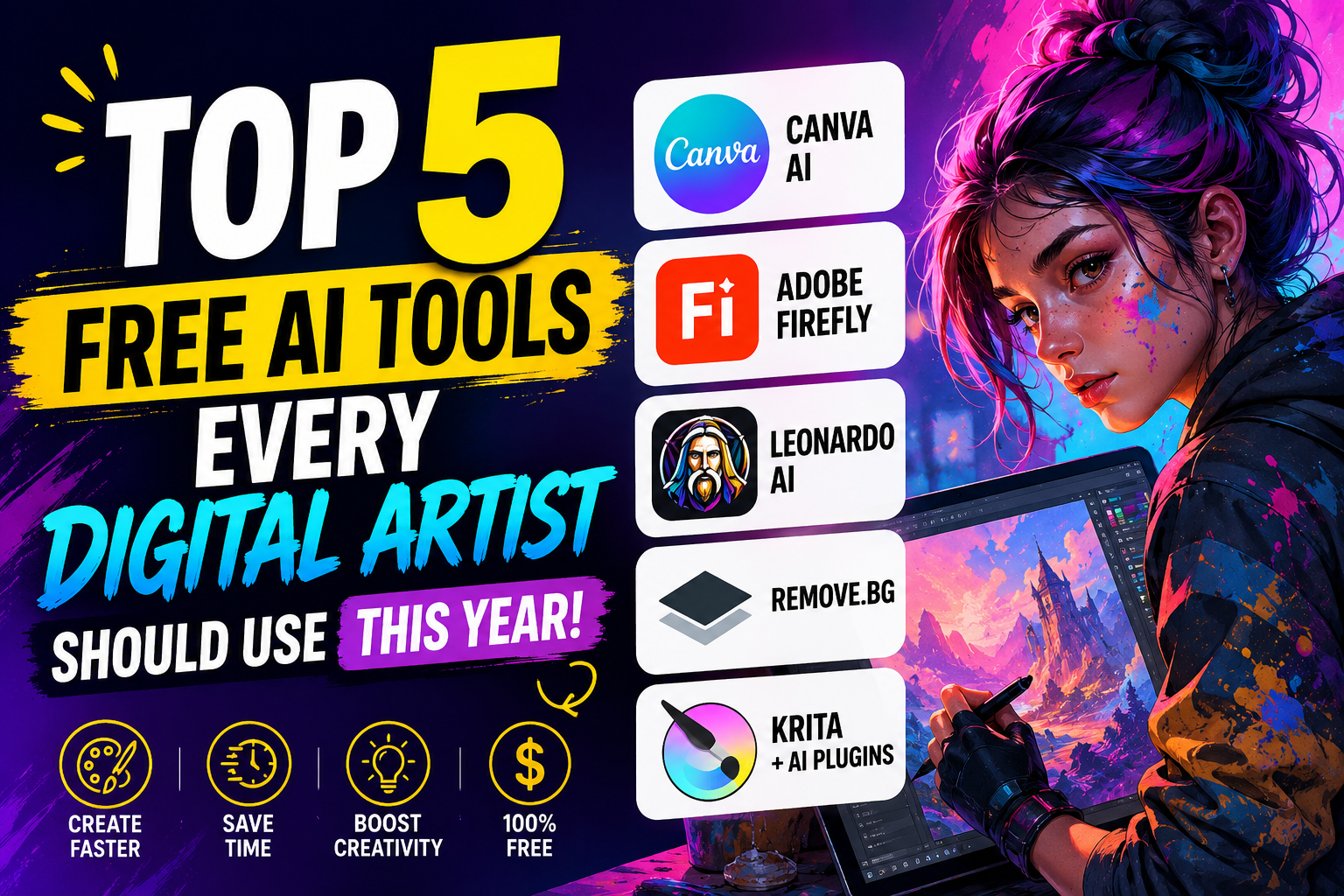
In this blog, we’ll explore the top 5 free AI tools every digital artist should use this year, along with their features, benefits, and how they can improve your creative process.
Why AI Tools Matter for Digital Artists
Digital artists often spend hours on repetitive tasks like background removal, color correction, sketch enhancement, and concept generation. AI tools automate many of these processes, allowing artists to focus more on creativity instead of technical work. These tools also help beginners create professional-looking artwork without needing years of advanced experience.
AI-powered platforms can improve workflow speed, generate fresh creative ideas, and reduce editing time significantly. Instead of spending hours on manual adjustments, artists can complete projects faster while maintaining high-quality results. This makes AI tools valuable for freelancers, content creators, designers, and professional illustrators alike.
Canva AI
Quick Graphic Design and Social Media Art
Canva has evolved from a simple design platform into a powerful AI-driven creative tool. Its free AI features allow digital artists to generate images, create presentations, remove backgrounds, and design professional artwork within minutes. Artists can easily create eye-catching content for social media, YouTube, marketing campaigns, and personal portfolios without needing advanced technical skills.
One of Canva’s biggest advantages is its simplicity and browser-based accessibility. Users can quickly generate AI visuals, apply stylish templates, and customize graphics using drag-and-drop tools. This makes Canva an excellent option for beginners and professionals who need fast, high-quality designs.
Key Features
- AI image generation
- Background remover
- AI-powered templates
- Automatic resizing for social media
- Text-to-image tools
Adobe Firefly
AI Image Generation and Photo Editing
Adobe Firefly is one of the most advanced free AI tools available for artists today. Developed by Adobe, this tool helps creators generate artwork, apply styles, and edit images using simple text prompts. Artists can create realistic illustrations, fantasy artwork, and creative photo edits with minimal effort.
The platform is especially useful for speeding up creative workflows and brainstorming new design concepts. Since Firefly integrates with popular Adobe applications like Adobe Photoshop and Adobe Illustrator, professional artists can easily include AI-generated assets in their existing projects.
Key Features
- Text-to-image generation
- AI photo enhancement
- Generative fill tools
- Style transfer effects
- High-quality art rendering
Leonardo AI
Game Art and Character Design
Leonardo AI has become extremely popular among digital artists, game developers, and concept designers. It allows users to generate highly detailed characters, environments, and cinematic artwork using AI prompts.
Unlike many other AI generators, Leonardo AI gives users more control over image style and composition, which is perfect for professional digital artists.
The free plan includes daily tokens, making it possible to generate multiple images without paying.
Key Features
- High-quality AI image generation
- Character and environment creation
- Style customization
- Prompt enhancement
- Community-generated inspiration
Remove.bg
Fast Background Removal
Removing backgrounds manually can take a lot of time, especially for beginners. Remove.bg uses AI to instantly separate subjects from backgrounds with impressive accuracy.
Digital artists often use this tool for product mockups, portraits, marketing visuals, and compositing work.
Instead of spending hours using manual selection tools, artists can upload an image and get a clean cutout within seconds.
Key Features
- One-click background removal
- AI subject detection
- High-speed processing
- Transparent PNG export
- Works directly online
Krita with AI Plugins
Free Digital Painting and Illustration
Krita is already one of the best free digital painting programs available, but when combined with AI plugins, it becomes even more powerful.
Artists can use AI-assisted tools for brush stabilization, image enhancement, color suggestions, and concept generation. Krita is open-source, which means the community continuously improves its features.
It’s especially popular among illustrators, comic artists, and animators who need professional-quality tools without expensive subscriptions.
Key Features
- Advanced digital painting tools
- Animation support
- AI plugin compatibility
- Brush customization
- Free and open-source
Final Thoughts
AI tools are transforming digital art by making creative workflows faster, smarter, and more accessible. Whether you’re creating social media graphics, digital paintings, game art, or marketing visuals, these free AI tools can dramatically improve your productivity and creativity.
From Canva and Adobe Firefly to Leonardo AI and Krita, each tool offers unique advantages for modern digital artists.
The future of art is not about humans versus AI. It’s about artists using AI to unlock new levels of imagination and efficiency.
Are free AI art tools good for professional work?
Yes, many free AI tools offer professional-quality features that are suitable for graphic design, digital illustration, marketing visuals, and content creation. Tools like Adobe Firefly and Canva are widely used by professionals worldwide.
Which AI tool is best for beginners?
Canva is one of the best AI tools for beginners because it has an easy drag-and-drop interface and requires no advanced design experience.
Can AI tools replace digital artists?
No, AI tools are designed to assist artists, not replace them. Creativity, storytelling, artistic vision, and originality still depend on human skills and imagination.
Is Leonardo AI free to use?
Yes, Leonardo AI offers a free plan that includes daily tokens for generating AI artwork, character designs, and creative concepts.
What is the best free AI tool for removing image backgrounds?
Remove.bg is considered one of the best free AI background removal tools because it provides fast and accurate results within seconds.